| |
The new release is out:
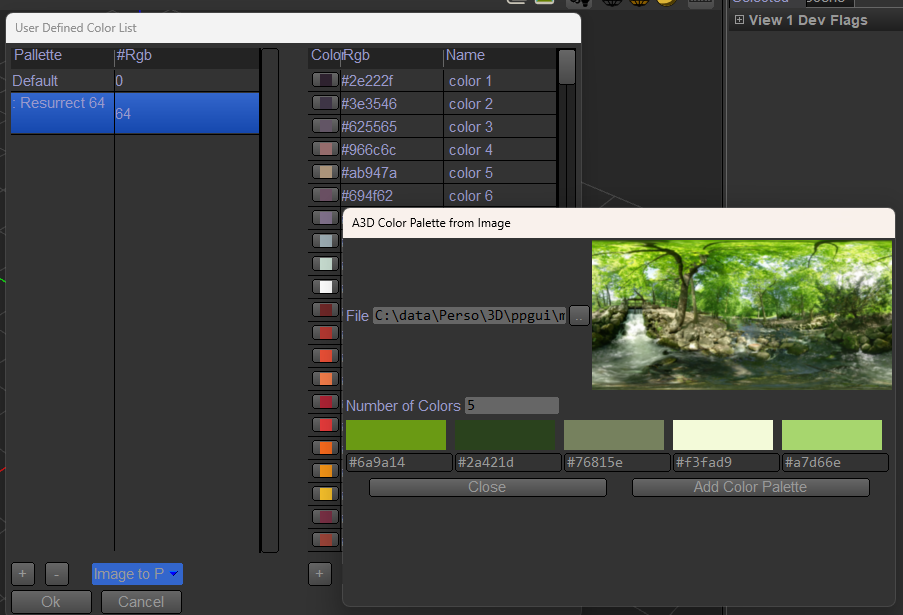
- many color palette and scripts tools for them,
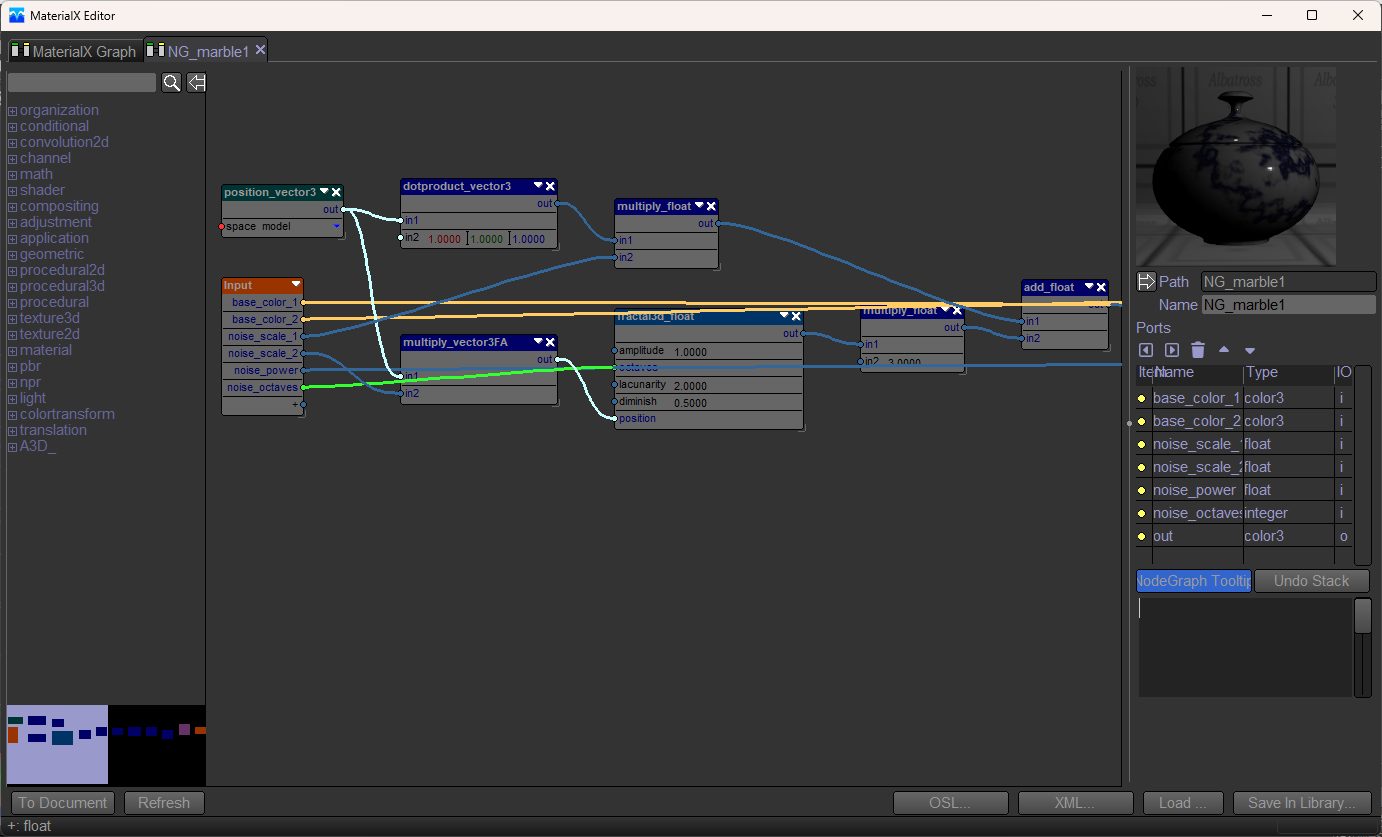
- materialx editor,
- scripts to get amazon Berkeley Objects as asset (downloaded when imported),
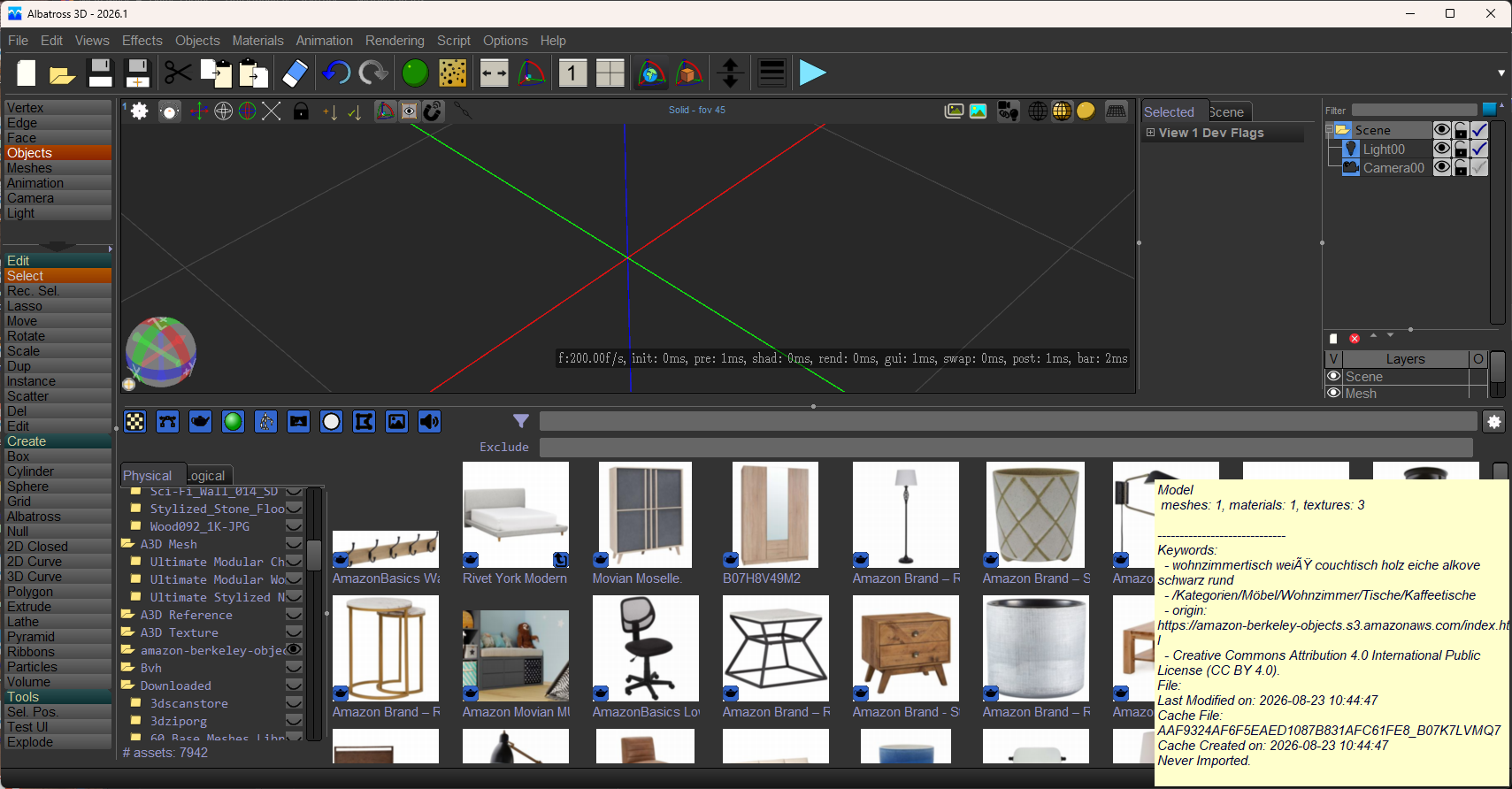
- select list various improvement (filter by visible for exemple),
- script to import OpenStreetMap data,
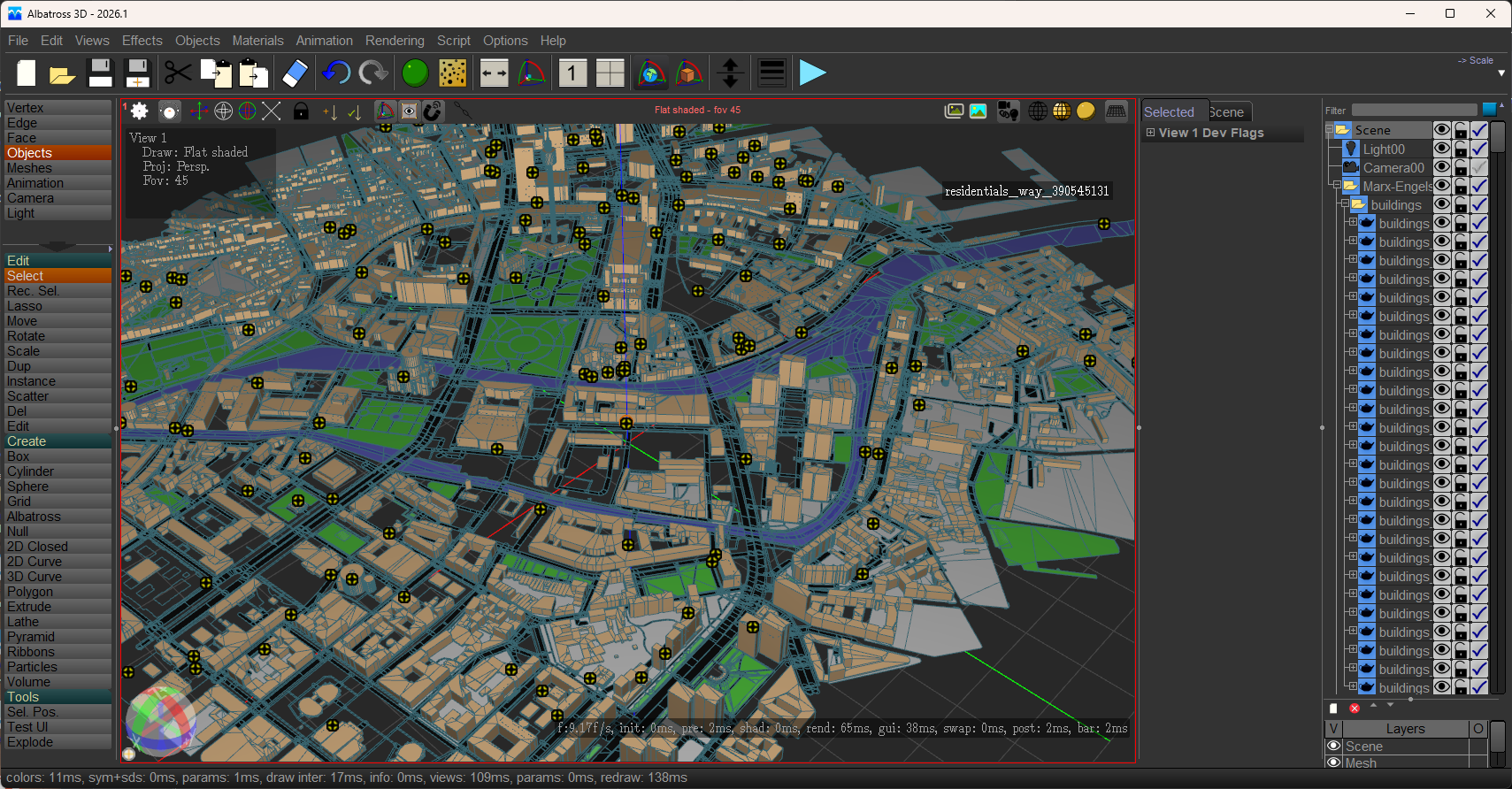
- script for scene statistics,
- script to manage python packages,
- gltf import polygons/curves,
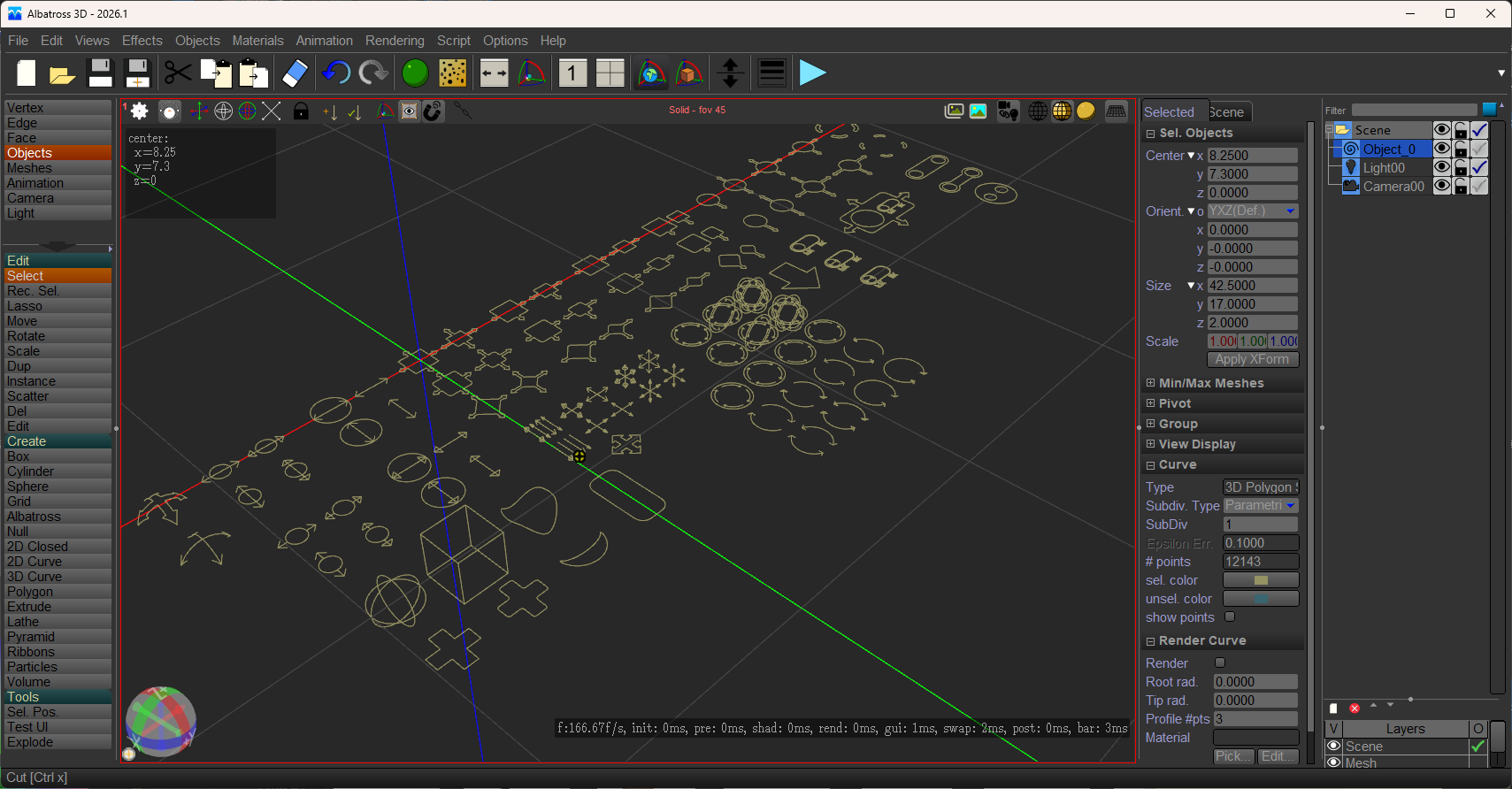
- add the cube and camera texture projector,
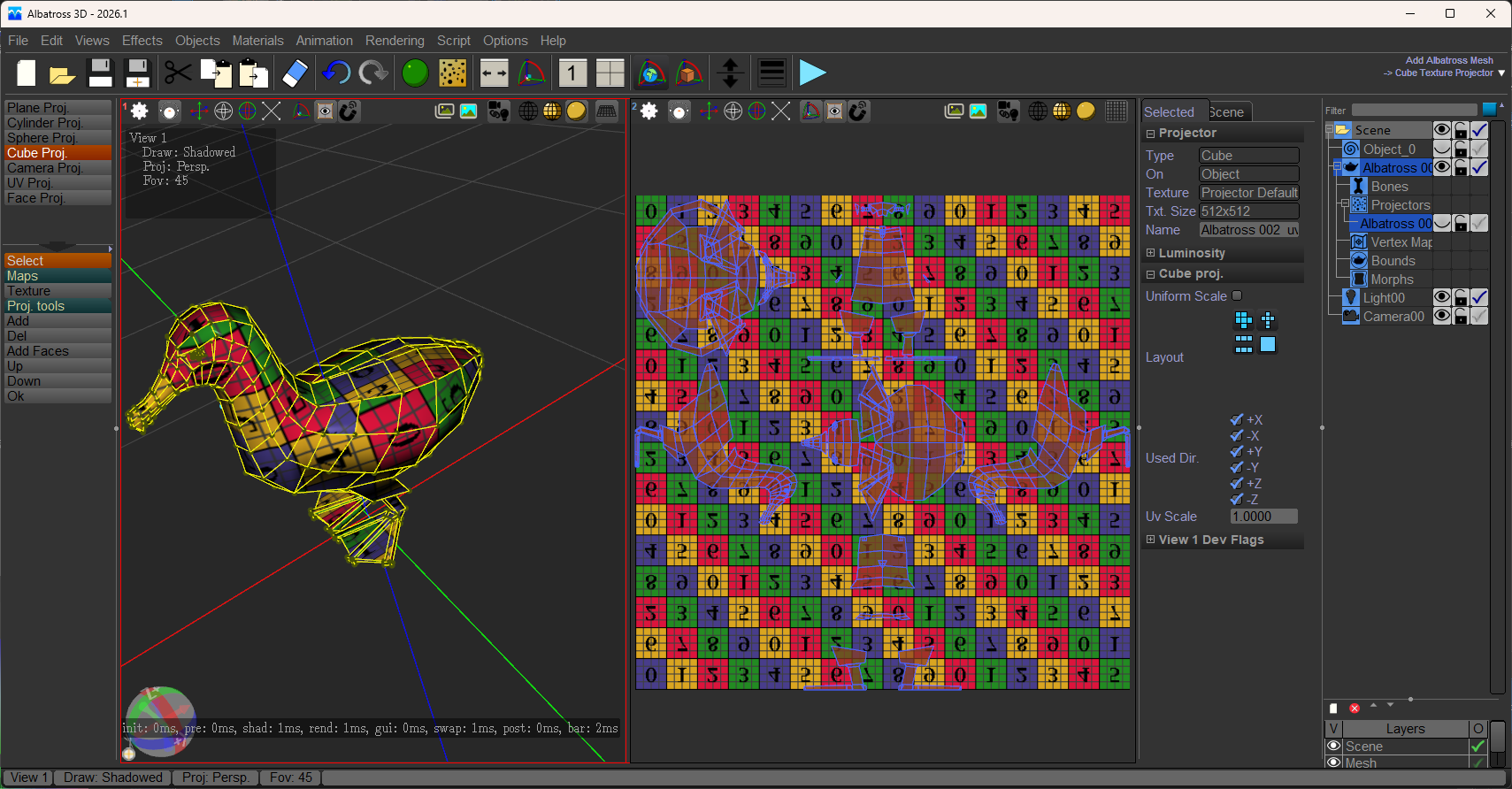
- fspy import of camera script,
- toolbox to manage 3D polygon set,
- selected edges to curve,
- manage languages and resize toolbox,
- webp,
- script plane to PBR,
- python 3.13 (VFX reference platform 2026),
- luaJit 5.1,
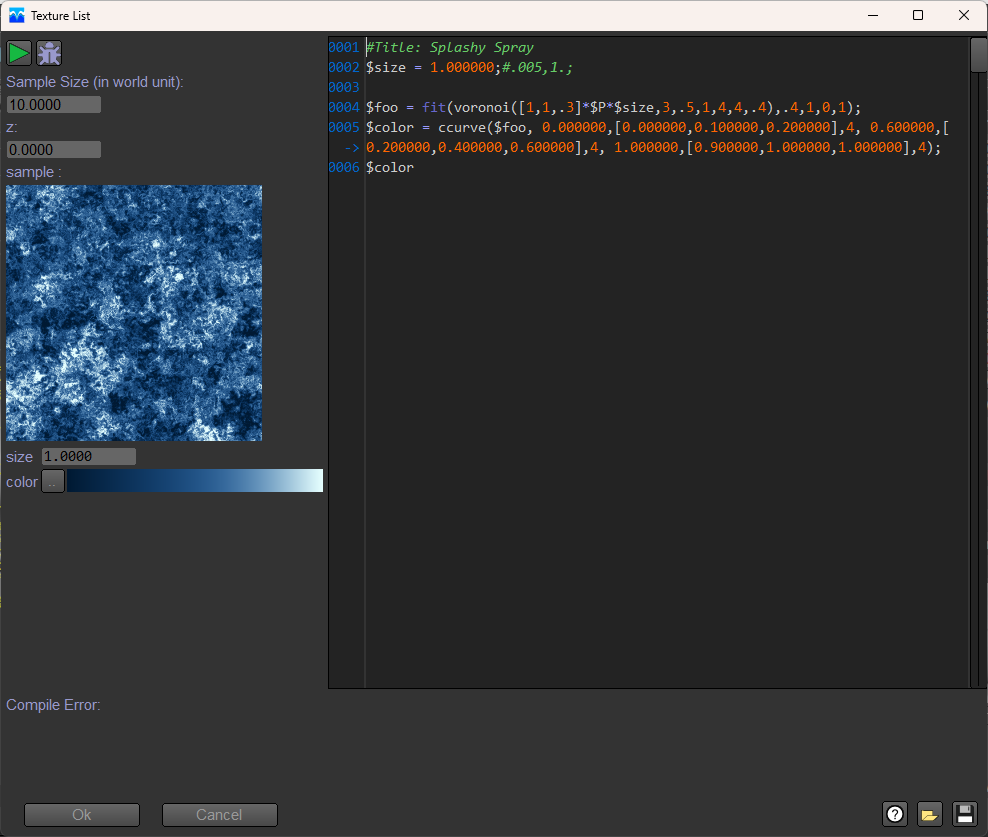
- SeExpr,
- MCP Server,
- script documentation in md format,
- Alembic,
- python and lua debugging,
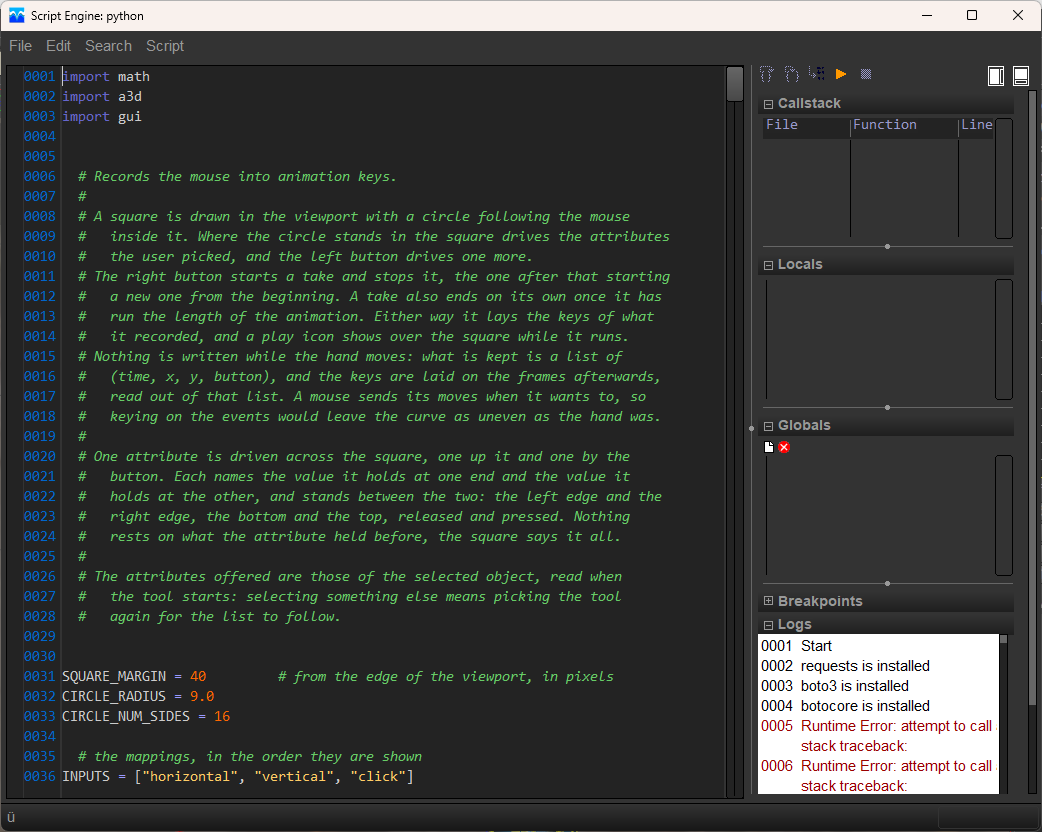
- polygon cut toolbox,
- Cryptomatte,
- screencast key,
- google GNM,
- openAPV,
- PBR in renderer,
- OSL in renderer (for materialX support),
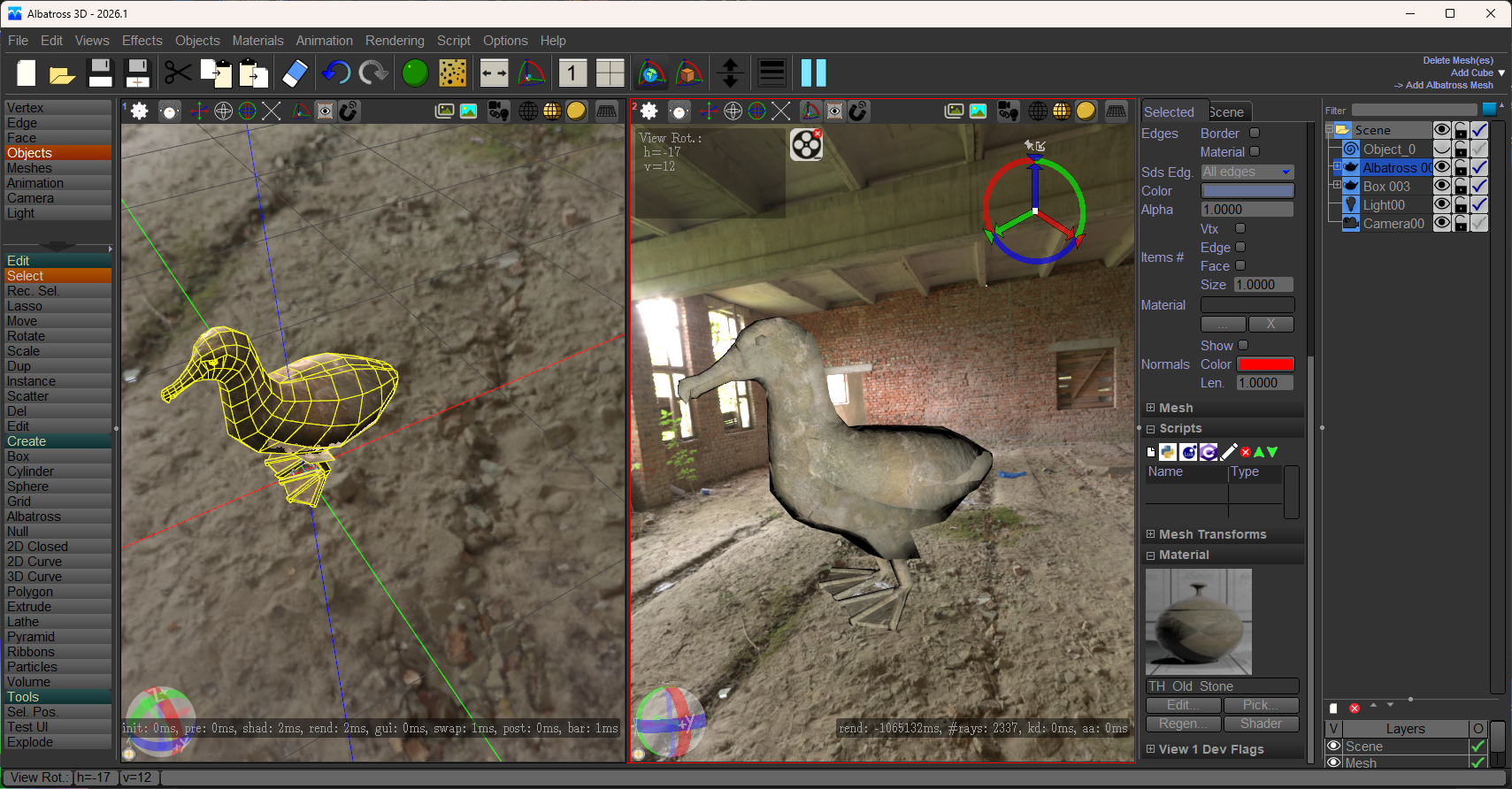
- OIDN (Open Image Denoise) in renderer,
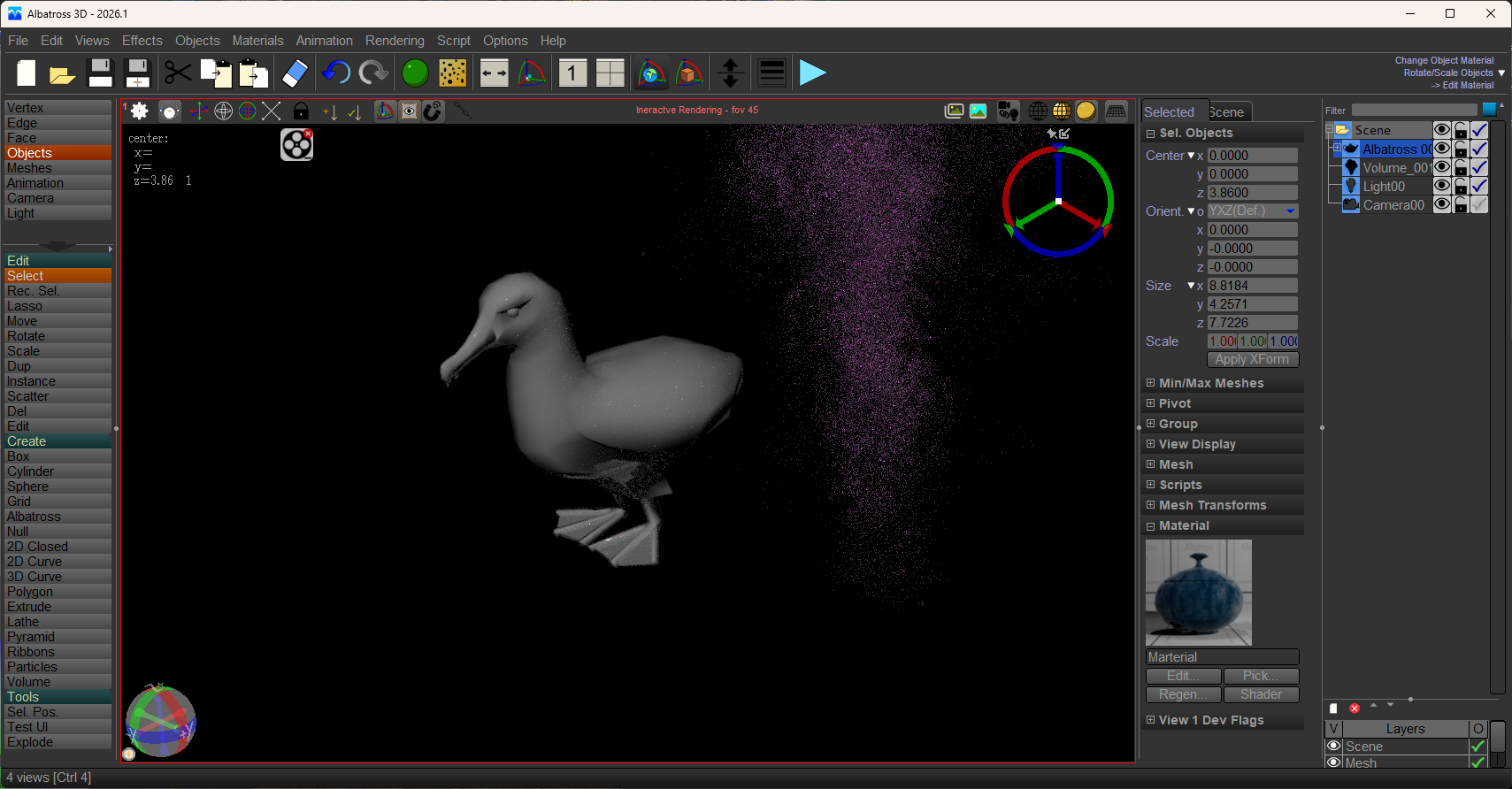
- luxcore volume and interactive,
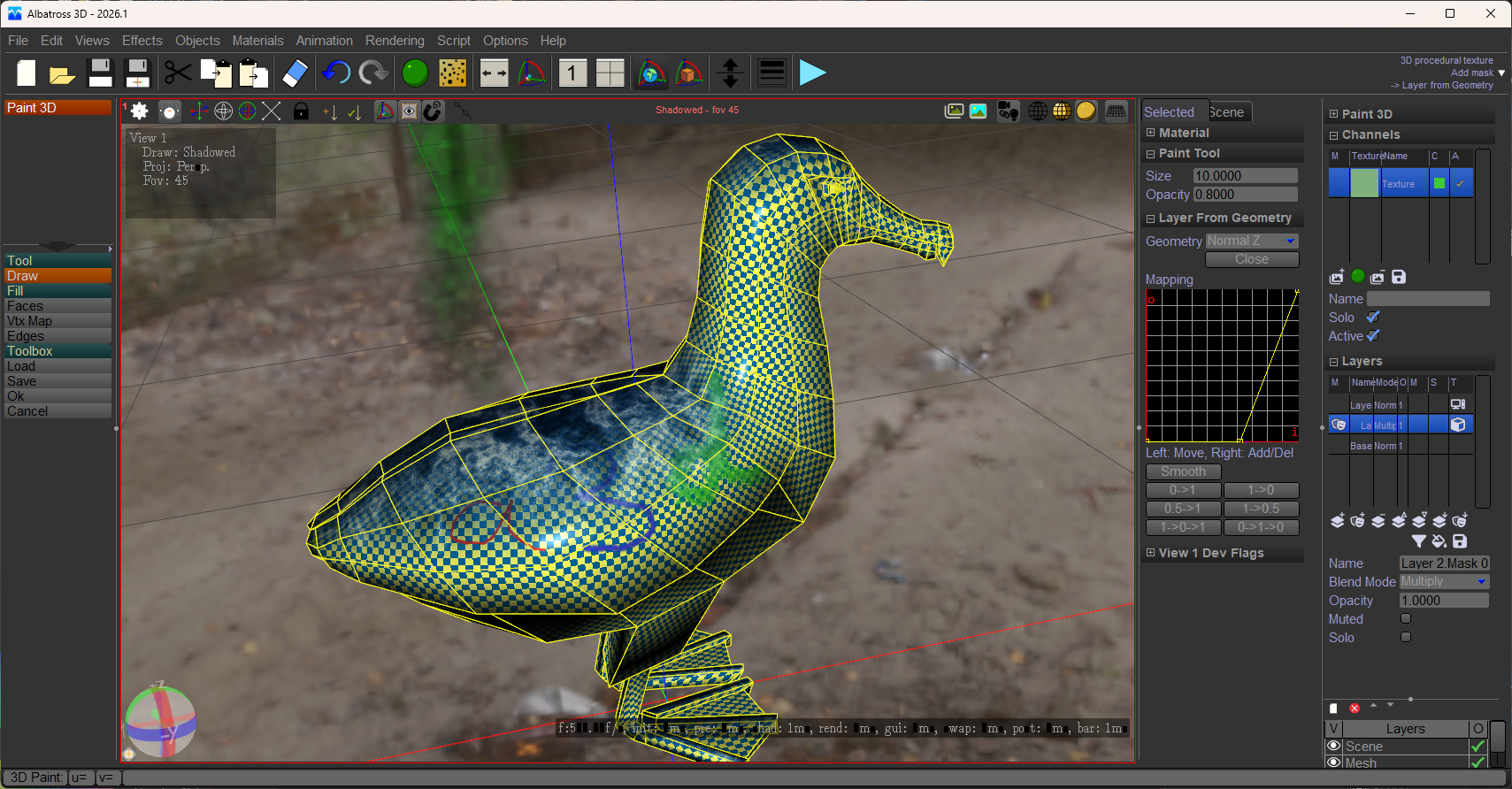
- Paint3d
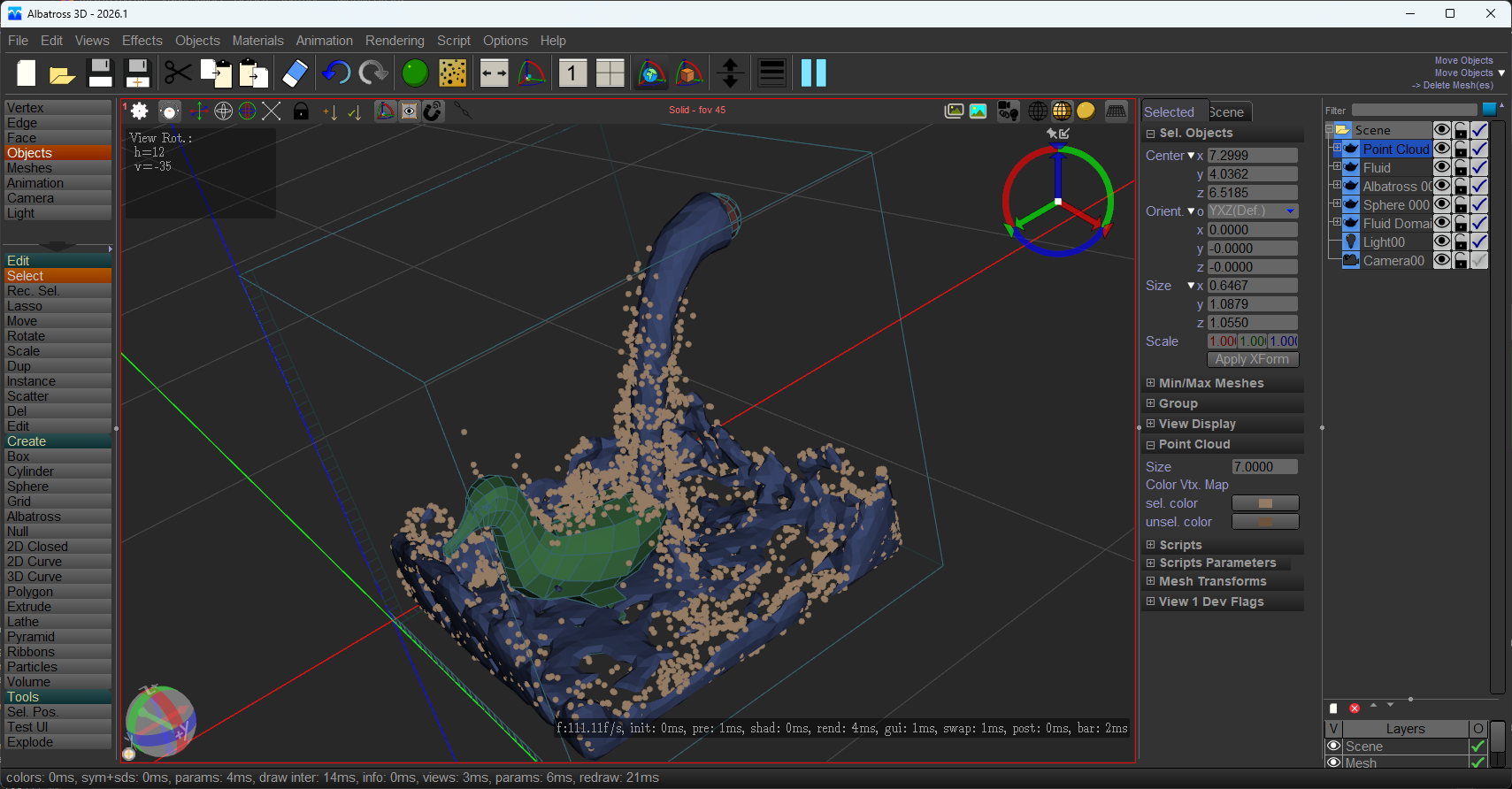
- Flip Fuild (https://flipfluids.com/)
|
| |
A new release of A3D for windows is available...
Many bugs corrected and small improvements... What's new:
- animation import (assimp and correction for gltf):
now assimp import of animation is working, and some bug were corrected for GLTF. Animated characters from Quaternius are provided as sample assets.
- gltf export except animation
- animation scripts: animation scripts are now available. then can be added as tool of the dopesheet/curve editor, at the layer or animation. scripts has been added to transform selected attribute or selected keys, or to add a layer of animation (camera shake for example).

- VDB (object and volume):
a VDB volume can be imported as a mesh or as a volume. shader can display the VDB file as smoke or as smoke and fire. Also, mesh can be combined using VDB boolean operations.
 Â Â

- manipulator in local mode:
The 3D manipulator was just visible or hided... now, it can be in sticky mode, on the upper right of the screen, allowing to transform the selected elements, but without hiding any parts of the manipulated object. Very useful when animating or when the object is big and its center is not on the screen.
 Â Â
- hide bone on the manipulator:
When animating or posing a mesh, there is small ican at the top of the 3D manipulator to hide/show the bones.
- axis size for bones:
There is now a parameter to set the bone axes size.
- LuxCore renderer:
the LuxCore renderer is now available via script in A3D.
 Â Â
- point cloud:
After viewing the video from Polyfjord:
https://www.youtube.com/watch?v=xx85eyN1Xc0, I decided to have a look if it was possible in A3D... and IT IS! so, I have added point cloud to A3D, colmap import script and camera background image!
 Â Â
- import colmap:
A python script to import the cameras and point cloud generated by COLMAP. The script can take some times as it has to import all the background images for the cameras.
 Â Â
- image background for cameras:
Before, image background was link to the scene, now it is linked to the camera.
- scene tab:
A tab has been added at the top of the parameters. The first tab displays parameters linked to the selected objects, the second displays the parameters linked to the scene.
 Â Â
- select script with filter:
the number of scripts has increase a lot... and the script selection in a list was no more practical... so a selection with filter is now available.
- env map from cube to spherical map:
A3D was using cube maps for environment. but this is not compatible with MaterialX
- MaterialX import:
MaterialX material can be imported in A3D and displayed in the viewport!
 Â Â
|


